
Introduction
If you have CP Plus cameras at home, at your shop or in your office, the gCMOB app is the easiest way to watch them live from your phone. But many people get stuck at the very first step. The app may not show up in their store, an older phone refuses to install it, or they need the gCMOB APK for a PC or a phone without Google services.
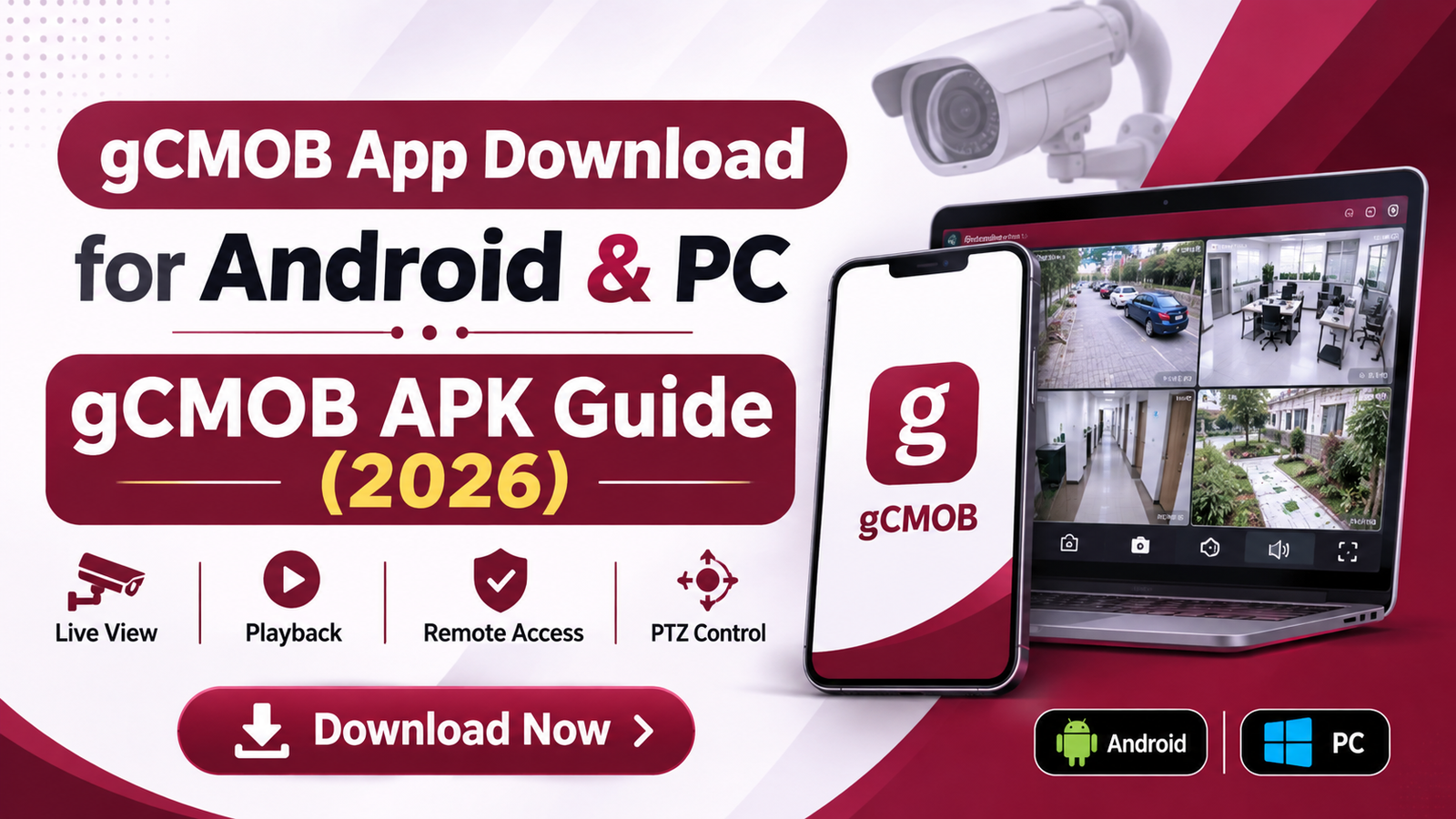
This guide shows you exactly how to download the gCMOB app for Android and PC from gcmob.net, install the APK safely, and connect your DVR or NVR. Every step uses the official download page on gcmob.net, so you get the latest version (v3.4.1) without hunting through random APK sites.
By the end, you will have gCMOB installed, your cameras added, and quick fixes ready for the most common errors.
gCMOB APK Download: Quick Info
The latest gCMOB APK is version 3.4.1, released in June 2026. Here is everything you need to check before you download it.
| Detail | Information |
|---|---|
| App name | gCMOB |
| Developer | Aditya Infotech Ltd (CP Plus) |
| Latest version | 3.4.1 (June 2026) |
| APK size | About 95 MB |
| Android requirement | Android 5.0 or newer |
| Package name | com.mm.android.direct.g_CMOB_XU |
| Category | Surveillance / CCTV |
| Price | Free |
| Works with | CP Plus DVRs, NVRs, IP cameras and video door phones |
| Download from | gcmob.net/download |
What’s new in 3.4.1: built-in WhatsApp chatbot support, a stronger password policy when you change a device password, and faster device loading in Live View. Need an older build for an old phone? See gCMOB old versions.
What Is the gCMOB App?
gCMOB is the official mobile viewer for CP Plus security systems. It connects your phone to your DVR, NVR, IP camera or video door phone over the internet, so you can watch live video and recordings from anywhere.
The app is built for everyday users, not just installers. Shop owners use it to check the counter from home. Parents use it to keep an eye on the gate. Office managers use it to review footage after an incident.
The gCMOB app is completely free, with no subscription or paid tier, and the same APK works for home and business setups. If you use an iPhone or iPad, the matching CP Plus app is iCMOB; see our iCMOB download guide.
Key Features of the gCMOB App
The gCMOB app packs most of what you would get on a CCTV monitor into your phone:
- Live view of up to 16 cameras on one screen, with swipe to jump to the next set of channels
- InstaOn (P2P) cloud viewing, so you can watch cameras without port forwarding or a static IP
- QR code setup: scan the sticker on your DVR or NVR to add it in seconds
- Playback of recordings saved on the DVR hard disk, including 4-channel playback at once
- PTZ control and digital zoom for pan-tilt-zoom cameras
- Two-way talk on cameras and door phones that support audio
- Push notifications for motion and other alarm events
- Main / Sub stream switch in one tap, so you can save mobile data on slow connections
- Favourites and device cards to group the cameras you check most
- Device health check: HDD status and online/offline state of each recorder
- Picture-in-picture (PIP) to keep a camera running while you use another app
- Remote configuration of supported devices and relay control (for example, opening a door lock)
Worried about data use? Our guide on how much data gCMOB uses explains how to keep it low.
How to Download the gCMOB App for Android from gcmob.net
Downloading the gCMOB APK from gcmob.net takes about two minutes on Wi-Fi. Before you start, make sure your phone runs Android 5.0 or newer and has at least 250 MB of free space (the APK is about 95 MB, and the app needs room to install).
Step-by-step: gCMOB app download for Android
- Open gcmob.net. Open Chrome (or any browser) on your Android phone and type gcmob.net in the address bar.
- Tap “Download Now”. You will find it in the top menu. You can also scroll down the homepage and tap Download App.
- Tap “Download for Android”. On the Download page you will see three buttons: Download for Android, Download for PC and Download for Smart TV. Tap the Android button.
- Confirm the download. Chrome may show a warning that this type of file can harm your device. This appears for every APK file, not just gCMOB. Tap Download anyway.
- Wait for it to finish. The gCMOB APK is about 95 MB, so use Wi-Fi if your mobile data is slow or limited.
- Open the downloaded file. Tap Open in the download notification, or go to Files › Downloads and tap the gCMOB APK file.
That’s it, the gCMOB APK download is complete. Now you just need to install it.
Tip: Always download the gCMOB APK from gcmob.net. Unknown APK sites sometimes bundle ads or modified files with the app.
How to Install the gCMOB APK on Android
Android blocks apps from outside the Play Store by default, so you need to allow your browser to install the gCMOB APK once.
- Tap the gCMOB APK file you just downloaded.
- Allow unknown apps. If you see “For your security, your phone is not allowed to install unknown apps from this source”, tap Settings.
- Turn on “Allow from this source” for Chrome (or the browser you used), then go back.
- Tap Install. If Google Play Protect asks to scan the app, tap Scan app; it will let you continue once the scan is done.
- Tap Open when installation finishes.
- Allow app permissions. Allow notifications (for motion alerts), camera (to scan the DVR QR code), microphone (for two-way talk) and photos/storage (to save snapshots and clips).
On Android 7 or older, the setting is in one place: Settings › Security › Unknown sources. Turn it on, then tap the APK again.
For safety, turn the “Allow from this source” switch off again after gCMOB is installed.
Seeing “App not installed” or “There was a problem parsing the package”? Follow our gCMOB APK not installing fix guide.
How to Download gCMOB for PC (Windows 10/11 and Mac)
gCMOB is an Android app, so there is no native Windows version. You can still use it on a PC or laptop in one of two ways, and both start from gcmob.net.
Option 1: gCMOB APK + BlueStacks (same app as your phone)
- Install the free BlueStacks Android emulator on your PC from bluestacks.com.
- On your PC, go to gcmob.net, click Download Now, then click Download for Android to save the gCMOB APK.
- Open BlueStacks and drag the APK file into the BlueStacks window, or click the Install APK icon in the sidebar and pick the file.
- Open gCMOB inside BlueStacks and add your DVR by serial number (your PC has no rear camera to scan the QR code).
Option 2: KVMS Pro (best for many cameras)
- Go to gcmob.net, open Download, and click Download for PC.
- Follow the KVMS Pro steps on that page: run the setup as administrator, create a login, then add your DVR under Devices › +Add.
KVMS Pro can show up to 64 channels and record to your PC; BlueStacks gives you the familiar gCMOB screens. For system requirements, Mac options and step-by-step screenshots, read our full gCMOB for PC guide.
How to Set Up gCMOB and Add Your CP Plus DVR or NVR
Once the gCMOB app is installed, adding your recorder takes about a minute. Keep your DVR or NVR username (usually admin) and password ready.
Method 1: QR code / serial number (easiest)
This uses CP Plus InstaOn (P2P), so you don’t need port forwarding or a static IP.
- On the DVR, open Main Menu › Network › P2P and make sure P2P is enabled and the status shows Online.
- Open gCMOB, go to Device Manager and tap +.
- Choose Scan QR code and scan the code on the DVR screen or the sticker under the recorder. You can also type the serial number (SN) manually.
- Give the device a name (for example, Home DVR), then enter the username and password.
- Tap Save, then Start Live Preview.
Method 2: IP address or domain
- In Device Manager, tap + and choose IP/Domain.
- Enter the recorder’s IP address or DDNS name and its TCP port (commonly 37777 on CP Plus recorders).
- Enter the username and password, tap Save, then Start Live Preview.
IP access from outside your home needs the port forwarded on your router, which is why Method 1 is easier for most people.
Forgot your DVR password? See gCMOB login password reset. Want family or staff to see only some cameras? Read how to share gCMOB camera access.
Is the gCMOB APK Safe to Download?
Yes. The gCMOB APK is safe when you download it from a trusted source like gcmob.net and the file matches the official app. The “harmful file” warning in Chrome is a generic message shown for every APK, not a sign of malware.
To be sure you have the genuine gCMOB app, check three things:
- Package name is
com.mm.android.direct.g_CMOB_XU, the same ID as the official app - Developer is Aditya Infotech Ltd (CP Plus)
- File size is close to 95 MB for version 3.4.1; a much smaller file is a red flag
Avoid “gCMOB MOD” or “premium” APKs. gCMOB is already free, so a modified version can only add risk to the app that guards your home or shop.
gCMOB Download or Install Not Working? Quick Fixes
Most gCMOB problems come from an incomplete download, an old phone or the recorder’s network, not the app itself. Find your error below.
| Problem | Quick fix |
|---|---|
| “App not installed” | Uninstall any older gCMOB first, free up storage, then download the APK again from gcmob.net. Full guide: APK not installing |
| “Problem parsing the package” | The download is incomplete or your phone is below Android 5.0. Re-download on Wi-Fi, or pick a build from old versions |
| Download doesn’t start | Use Chrome, turn off data saver and ad blockers, and clear the browser cache |
| Device shows Offline | Check the DVR’s internet cable and confirm P2P shows Online. See gCMOB not connecting |
| Login failed or user locked | Wait before retrying, then reset the password. See login password reset |
| Live view lags or freezes | Switch the camera to Sub/Extra stream and open fewer channels at once |
| No motion alerts | Allow notifications, turn off battery optimisation for gCMOB, and enable push for each device in the app |
Frequently Asked Questions
How do I download the gCMOB app for Android?
Go to gcmob.net, tap Download Now, then tap Download for Android. Open the downloaded APK, allow installs from your browser, and tap Install.
Is the gCMOB app free?
Yes. gCMOB is completely free, with no subscription or in-app payment needed to view your cameras.
What is the latest version of the gCMOB APK?
The latest version is gCMOB 3.4.1, released in June 2026. It is about 95 MB and needs Android 5.0 or newer.
Can I install gCMOB without the Play Store?
Yes. Download the gCMOB APK from gcmob.net and install it directly. This also works on phones without Google services.
How do I update the gCMOB APK?
Download the newest APK from gcmob.net and install it over the old one. Your saved devices stay in the app.
Is gCMOB available for iPhone?
No. iPhone and iPad users need CP Plus’s iCMOB app. See our iCMOB guide.
Can I use gCMOB on a Smart TV?
Yes, on Android-based TVs. Follow our gCMOB for Smart TV guide.
Do I need the same Wi-Fi as my DVR?
No. With P2P (QR code or serial number) you can watch from any network, as long as both your phone and the DVR are online.
Conclusion
Getting the gCMOB app on your phone is simple: open gcmob.net, tap Download Now, choose Download for Android, and install the APK. On a PC, use the same APK with BlueStacks, or pick KVMS Pro from the Download for PC button.
Once your DVR or NVR is added, you can watch live video, check recordings and get motion alerts from anywhere, all for free.
Ready to start? Download the latest gCMOB APK (v3.4.1) now.